

How to Bypass the Junk Folder and Boost Your Email Opens
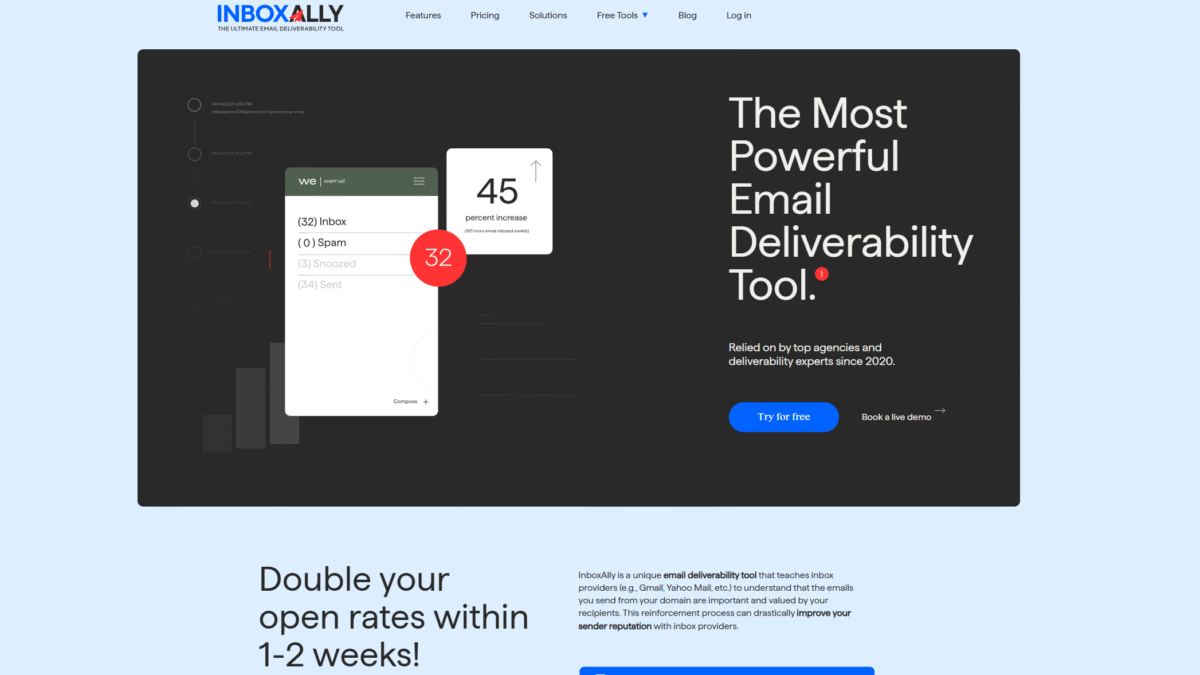
If your messages keep vanishing into the junk folder, you’re missing out on clicks, conversions, and customer engagement. Thankfully, you don’t have to live in fear of low open rates any longer. With InboxAlly, you can teach inbox providers that your emails belong front and center—delivering your content straight to your readers’ primary inbox. Try InboxAlly Free for 10 days Today and watch your delivery soar.
Why Your Emails Land in the Junk Folder
Spam filters evaluate every incoming message based on sender reputation, engagement data, and content quality. If any of these signals are weak, your email gets flagged and relegated to the junk folder. Common triggers include:
- Poor sender reputation or new IP/domain.
- Low engagement rates (opens, clicks, replies).
- Spammy subject lines or links.
- Lack of email warm-up and authentication.
Key Strategies to Bypass the Junk Folder
Improving deliverability involves a combination of best practices and powerful tools. Here’s how to beat the junk folder and boost your open rates:
1. Authenticate Your Domain
Set up SPF, DKIM, and DMARC records to prove your legitimacy. Proper authentication ensures inbox providers trust your messages.
2. Warm Up Your IP and Domain
Start by sending small batches of high-quality, engaged emails. Gradually increase volume to build a strong sending reputation.
3. Monitor Real-Time Engagement
Keep an eye on opens, clicks, and bounce rates. Consistent engagement tells spam filters your audience values your emails.
4. Clean and Segment Your List
Regularly remove inactive or invalid addresses and segment by engagement level. Sending to a responsive audience maintains high open rates.
5. Use a Deliverability-Boosting Tool
A dedicated solution can automate warm-up, track placement, and reinforce your sender reputation. That’s where InboxAlly comes in.
How InboxAlly Helps You Avoid the Junk Folder
InboxAlly’s suite of deliverability tools works with any ESP or sending platform to train inbox providers—such as Gmail and Yahoo—to recognize and prioritize your emails.
Real-Time Tracking and Reporting
- Monitor inbox placement versus spam folder placement.
- Visualize open rates and recipient engagement live.
Automated Email Warmup
- Slowly increase sending volume using multiple US IPs.
- Use real inbox interactions to strengthen your sender score.
Custom Sender Profiles
- Manage multiple domains or IPs from one dashboard.
- Isolate high-priority campaigns for maximum impact.
Seamless Integration
- No access required to your email accounts or ESP.
- Works with any email-sending service you already use.
Step-by-Step: Boost Your Inbox Placement
- Connect your sending domain in InboxAlly’s dashboard.
- Activate the warmup schedule tailored to your volume.
- Review real-time placement reports and adjust content.
- Segment and clean your list based on engagement data.
- Scale up sending volume as your reputation improves.
Success Stories and Proven Results
Leading email marketers report:
- Double open rates within 1–2 weeks of using InboxAlly.
- Consistent inbox placement above 95% across providers.
- Higher click-through rates and better ROI on campaigns.
Common Questions About Junk Folder Bypass
How long before I see results?
Most users notice improved placement within the first week of warmup. Full benefits typically solidify by week two.
Can I use my existing ESP?
Yes. InboxAlly integrates with any SMTP provider or marketing platform without altering your current workflow.
Is list cleaning required?
While InboxAlly focuses on deliverability, pairing it with regular list hygiene maximizes long-term results.
Ready to Escape the Junk Folder?
Stop watching your emails die in spam. Experience the power of dedicated deliverability, automated warmup, and real-time insights. Try InboxAlly Free for 10 days Today and take back control of your inbox placement.
