

Effortless Slideshow Maker: Craft Stunning Videos Fast
Looking for the ultimate slideshow maker that lets you turn photos and clips into polished videos in minutes? Animoto makes it effortless to craft stunning slideshows that captivate your audience—no editing experience required. Whether you’re sharing memories, promoting your brand, or training your team, this intuitive tool empowers you to create professional-quality videos with a few clicks.
Why Animoto Excels as a Slideshow Maker
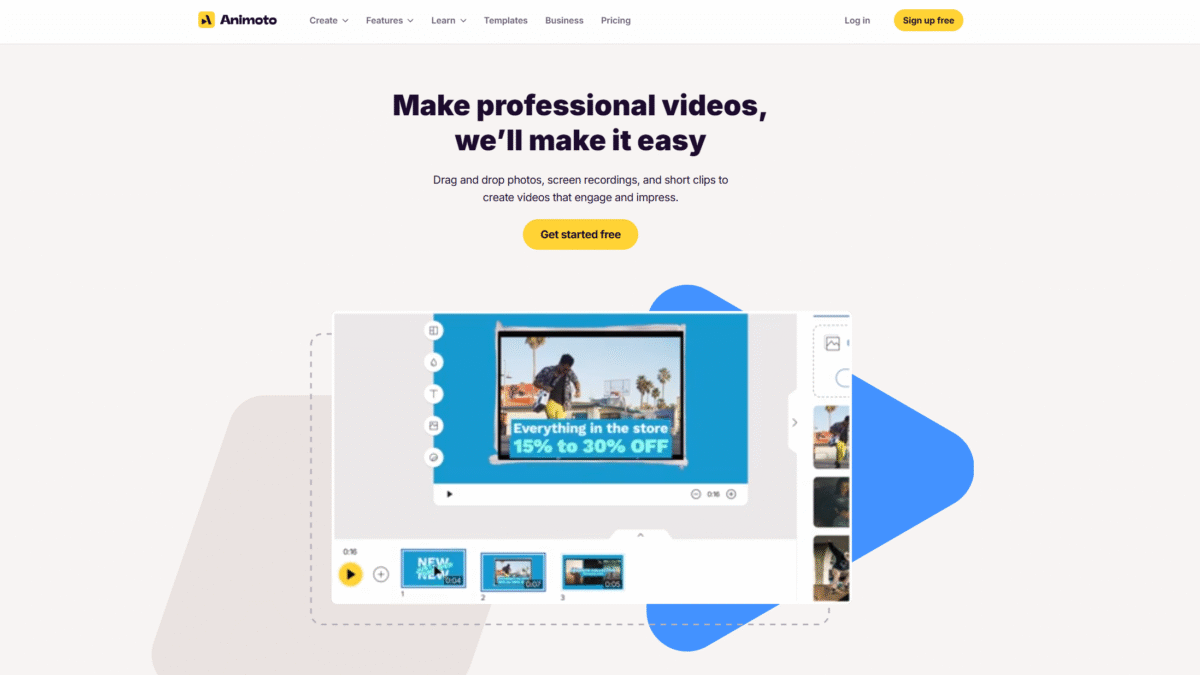
Animoto is a cloud-based video creation service designed specifically for anyone who wants a fast, reliable way to produce high-quality slideshows. You don’t need a big budget or advanced editing skills—just drag and drop your images, video clips, and music, and Animoto handles the rest. With ready-made templates for social media posts, company updates, and tutorials, you can have a finished slideshow up and running in no time.
Key Features of This Slideshow Maker
- Drag-and-Drop Editor – Seamlessly combine photos, video clips, and screen recordings with an intuitive interface.
- Ready-Made Templates – Choose from hundreds of designer templates for weddings, business promos, training demos, social ads, and more.
- Licensed Music Library – Select the perfect soundtrack from 50+ worry-free tracks on the free plan, or access thousands more with paid tiers.
- Stock Images & Video – Enhance your slideshows with Getty Images stock media, ranging from scenic photos to dynamic video clips.
- Voiceover & Screen Recording – Record voiceovers directly in your browser and capture your screen or webcam without switching apps.
- Branding Tools – Save your logo, colors, and fonts to ensure every slideshow matches your brand identity.
- Collaboration – Work together with team members using shared cloud storage, multi-user editing, and in-app comments.
Step-by-Step Guide to Crafting a Stunning Slideshow
- Upload Your Media – Drag in photos, video clips, or record directly with Animoto’s screen and webcam recorder.
- Pick a Template – Browse templates by style and purpose, then click to apply a professional design.
- Customize Your Story – Rearrange slides, add text captions, and choose transitions. Use the drag-and-drop controls to adjust timing and layout.
- Add Music & Voiceover – Pick a licensed track or upload your own soundtrack. Record a voiceover to narrate your slideshow.
- Apply Branding – Insert your logo, set brand colors and fonts, and save as a custom template for future use.
- Preview & Share – Watch your slideshow in real time, make final tweaks, then download or publish directly to social media.
Ideal Use Cases for Your Slideshow Maker
Animoto is perfect for:
- Social Media Marketing – Quickly produce eye-catching ads and posts that drive engagement.
- Corporate Communications – Share internal updates, training demos, and onboarding videos with a branded look.
- Event Highlights – Turn wedding, birthday, or conference photos into a dynamic video recap.
- Educational Content – Craft tutorial slideshows or course materials that keep learners engaged.
Pricing Plans to Fit Every Need
Animoto keeps things simple with a free plan and tiered subscriptions that unlock more features:
- Free Plan: Unlimited 720p videos, screen & webcam recording, 50 licensed music tracks, 1 GB cloud storage.
- Basic Plan (\$16/month): Remove Animoto branding, download unlimited HD (1080p) videos, 5 GB storage.
- Professional (\$29/month): Add logos and brand colors, access 3,000 music tracks, Getty Images stock, voiceover, 50 GB storage.
- Professional Plus (\$79/month): Team workspace, dedicated account manager, premium media library, unlimited storage, and resell rights.
Experience Effortless Video Creation Today
Ready to elevate your content with an easy-to-use slideshow maker? Get Started with Animoto for Free Today and see how quickly you can transform your ideas into engaging videos.
