
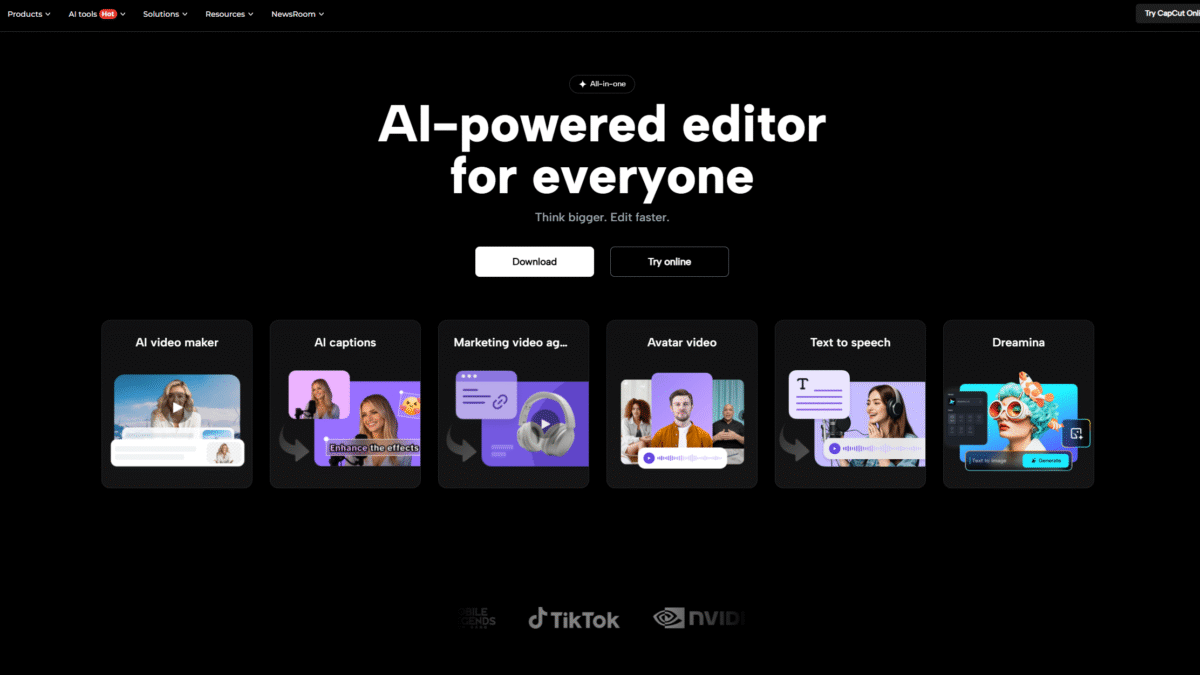

Master Short Form Video Editing with AI Magic
If you’re diving into the world of short form video, you need an editor that works as fast as you think. CapCut brings AI-powered tools that turn your raw footage into eye-catching clips in seconds. Ready to accelerate your creativity? Try Capcut Pro Free for 7 days Today and discover why creators everywhere rely on CapCut for snackable social media content.
What is CapCut?
CapCut is an all-in-one video editor and graphic design tool driven by AI. Whether you’re on desktop, browser, or mobile, CapCut’s intuitive interface and smart toolkit make editing faster and more accessible than ever. From quick trims to advanced color correction, CapCut handles the heavy lifting so you can focus on storytelling.
Why Short Form Video Editing Has Never Been Easier
Short form video dominates social platforms—TikTok, Instagram Reels, YouTube Shorts, and beyond. But capturing attention in a few seconds demands precision editing, dynamic pacing, and eye-popping effects. Traditional editors can feel overwhelming or slow. CapCut’s AI shortcuts every step:
- Automatic highlight detection: AI pinpoints the best moments for you.
- Seamless transitions: One-click polishing between clips.
- Optimized output: Ready-to-share aspect ratios for any platform.
Key Features of CapCut for Short Form Video
Long Video to Shorts
Turn feature-length recordings into bite-sized snippets. AI analyzes your footage, selects the most engaging segments, and packages them into 15- or 30-second clips. Perfect for repurposing webinars, lectures, or travel vlogs.
Clips to Video
Have random clips scattered across your device? CapCut stitches them into a smooth, coherent story. Smart transitions and automated timing ensure you look like a pro—no manual tweaking required.
Video Upscaler
Fix blurry or low-resolution footage in one click. AI sharpens details, reduces noise, and breathes new life into old recordings—ideal for giving vintage content a modern glow.
Script to Video
Paste in your script, and watch an AI-driven storyboard come to life. CapCut adds matching scenes, royalty-free music, and natural voiceovers so you can generate polished videos straight from text.
Background Removal & Stabilization
- Remove background: Isolate subjects for dynamic overlay or green-screen effects.
- Video stabilization: Smooth out shaky clips and deliver a professional look every time.
Benefits of Using CapCut for Short Form Video
- Speed: AI automations cut editing time in half, so you publish faster.
- Quality: Professional-grade effects and corrections, no steep learning curve.
- Versatility: Available on desktop, browser, and mobile—edit wherever inspiration strikes.
- Cost-effective: Free tier with robust tools; Pro unlocks advanced AI features at an affordable rate.
- Ease of use: Drag-and-drop interface with guided workflows for beginners and experts alike.
CapCut Pro Pricing
Looking to level up your editing? CapCut Pro adds priority AI processing, extra templates, and premium effects:
Monthly Plan – $9.99
- Ideal for casual creators and influencers
- All Pro AI toolkit unlocked
Yearly Plan – $89.99 (Limited-time offer)
- Best for studios and power users
- Save 25% over monthly billing
Who Benefits Most from CapCut?
Social Media Influencers
Create viral-ready clips without hiring a video team. Auto reframe resizes content for every platform.
Small Businesses & Brands
Produce engaging ads and product demos in minutes. AI packaging pairs your footage with captions and effects for polished branding.
Educators & Trainers
Convert lectures into digestible highlights. Transcript-based editing lets you tweak text to adjust video flow.
Real-World Results
Many creators report cutting editing time by 60% while boosting engagement rates by up to 30%. With AI color correction, noise reduction, and automated lip-sync translation, your content looks global and professional.
Ready to transform your workflow? Try Capcut Pro Free for 7 days Today and experience AI magic firsthand.
Get Started in Minutes
- Sign up for free at CapCut’s website.
- Upload your footage or script.
- Choose your desired AI tools and export.
Whether you’re on mobile during a commute or at your desktop in the studio, CapCut ensures you never miss a creative beat. Unlock the full Pro experience—priority AI processing, exclusive templates, and advanced upscaling await.
