

Transform Your Videos with Voice Over AI in Minutes
In today’s fast-paced digital landscape, creating engaging video content demands more than just visuals. Whether you’re producing YouTube tutorials, gaming highlights, or podcast snippets, adding a professional voice over can make all the difference. With voice over ai technology, you can transform your scripts into natural-sounding narrations in minutes—no recording studio required.
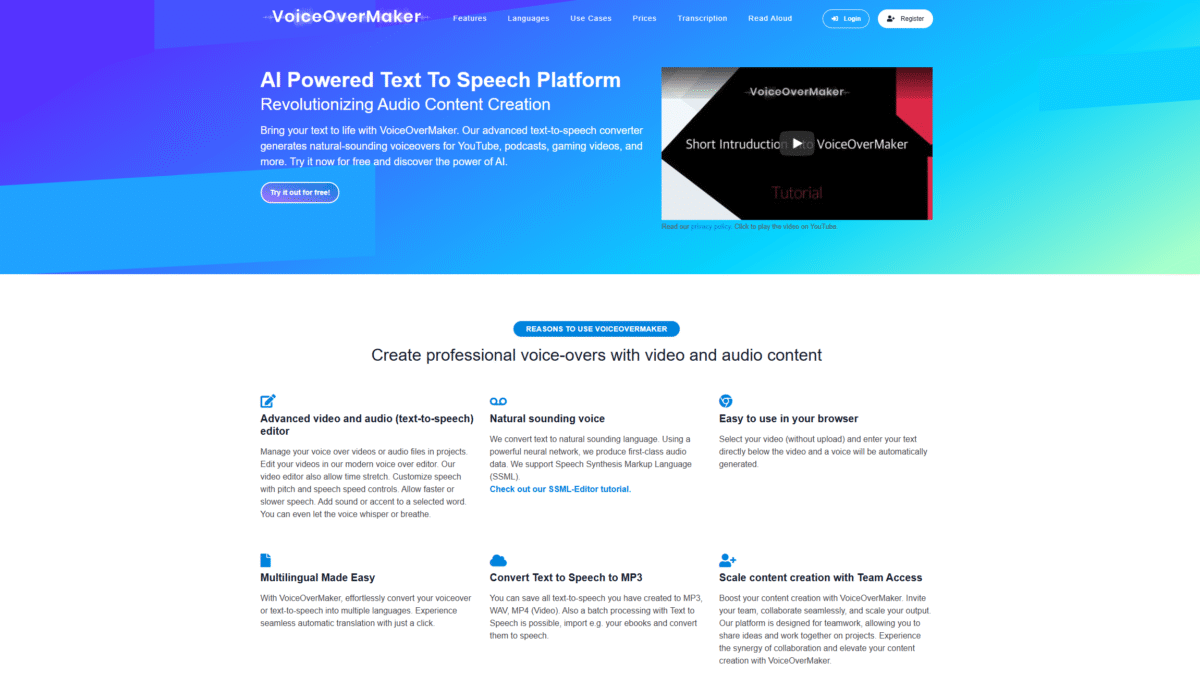
VoiceOverMaker leverages cutting-edge neural networks to deliver lifelike speech in over 30 languages and 600+ voices. From adjusting pitch and speed to whispering or adding breaths, this AI-powered text-to-speech platform gives you full control over your audio. Ready to revolutionize your content? Get Started with VoiceOverMaker for Free Today and discover the future of voice over ai.
Why Choose VoiceOverMaker for Voice Over AI?
Gone are the days of hiring expensive voice talents or spending hours in a recording booth. With VoiceOverMaker’s browser-based editor, you can:
- Import your video without uploading—work directly from your drive
- Edit speech timing with time-stretch and precise controls
- Customize tone by tweaking pitch, speed, and emphasis
- Export to MP3, WAV, or MP4 for seamless integration
Key Features
Advanced Audio & Video Editor
Manage projects from start to finish in a unified workspace.
- Time stretching to sync voice with visuals
- Word-level emphasis, accents, whispers, and breaths
- Instant preview to refine your voice overs
Multilingual Support
Break language barriers with automatic translation and dubbing.
- 30+ languages and regional variants
- One-click translation of transcripts
- SSML support for fine-tuned pronunciation
Screen Recorder
Capture screencasts and narrate simultaneously.
- Record browser-based demos in high quality
- Sync recorded video with AI-generated voice over
How VoiceOverMaker Simplifies Voice Over AI
Imagine converting an eBook into an audio series or giving your tutorial series a consistent brand voice. VoiceOverMaker’s batch processing lets you import large text files and output multiple audio tracks without lifting a finger. And with team access, you can collaborate on scripts and share voice over projects effortlessly.
Pricing Plans
No subscription required—pay only for what you use.
Free
- 800 characters per month
- All features included
- Ideal for personal projects
Standard – €7
- 60,000 characters
- Commercial use allowed
- Perfect for small businesses
Medium – €12
- 120,000 characters
- Commercial use allowed
- Great for growing content creators
Large – €25
- 300,000 characters
- Commercial use allowed
- Best for agencies and production houses
Benefits of AI Voice Over
- Speed: Generate voice overs in seconds rather than hours.
- Consistency: Maintain a uniform tone across all videos.
- Scalability: Handle bulk projects with batch processing.
- Cost-Efficiency: No ongoing subscription—only pay per use.
Conclusion
Whether you’re a solo creator, educator, or marketing team, VoiceOverMaker brings professional-grade voice over ai into your browser. Say goodbye to costly recording sessions and hello to on-demand, natural-sounding narration. Ready to elevate your videos? Midway through your next project, switch to the efficiency of AI-powered voice overs by visiting VoiceOverMaker.
