

Effortlessly Unsubscribe From Spam Emails With AI
What is SaneBox?
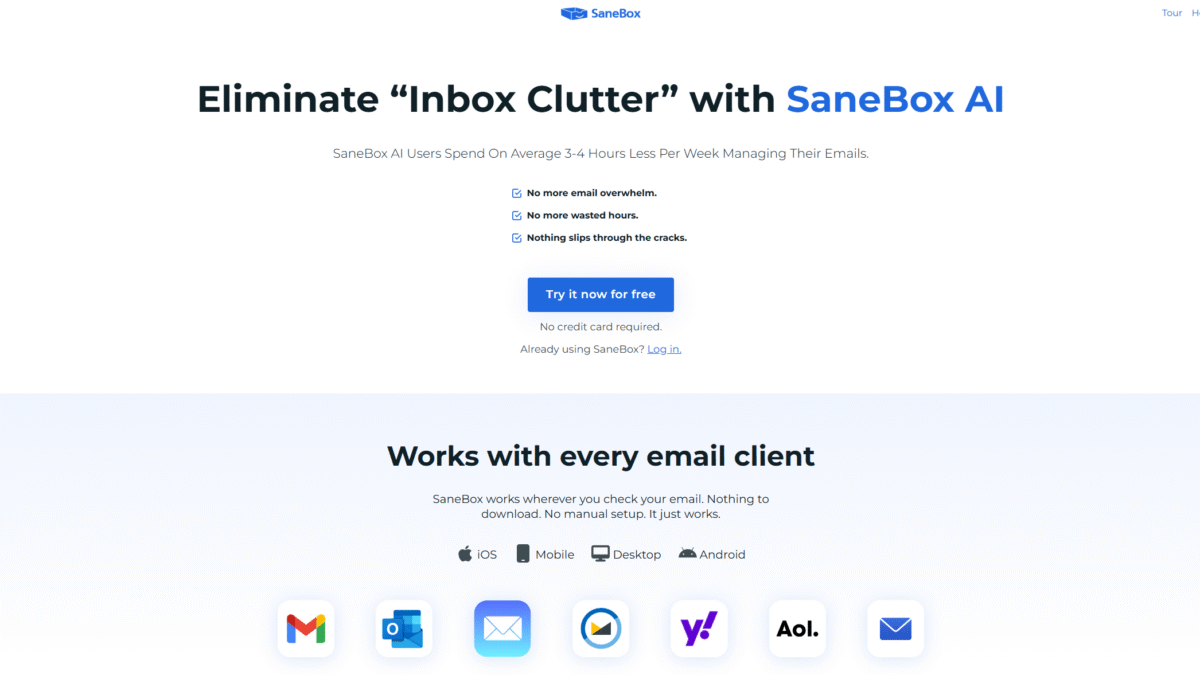
SaneBox is an AI-powered email management service that helps you unsubscribe from spam emails and regain control of your inbox. Instead of manually sifting through unwanted newsletters, promotions, and spam, SaneBox’s smart algorithms automatically sort incoming messages by importance, moving low-priority emails out of sight. With one click, you can even purge persistent senders forever.
Ready to reclaim hours each week? Try SaneBox Free for 14 days Today and see how effortless managing your email becomes.
SaneBox Overview
I discovered SaneBox when my inbox was overflowing with irrelevant marketing blasts and social notifications. Founded in 2010, SaneBox was born from a simple mission: save people time by automating email organization. Over the years, it has grown to serve millions of users across Fortune 500 companies, startups, and freelancers.
With continuous improvements in machine learning and user feedback, SaneBox has added features like BlackHole for permanent unsubscribes and follow-up reminders that ensure nothing important slips through the cracks.
Pros and Cons
Pros:
- Effortless filtering: Automatically sorts unimportant emails into a separate folder.
- One-click unsubscribes: BlackHole feature permanently blocks senders.
- Time saved: Users report 3–4 hours saved per week on average.
- Universal compatibility: Works with any email provider—no downloads required.
- Strong security: Google Verified and independently audited for peace of mind.
- Follow-up reminders: Never let an unanswered message go unnoticed.
Cons:
- Relies on basic metadata—sender, subject, date—so some nuanced sorting may require manual checks.
- Advanced phone support only included on the highest plan.
Features
SaneBox packs powerful tools to help you unsubscribe from spam emails and focus on what matters.
BlackHole
Instantly banish unwanted senders by sending their emails to the BlackHole folder.
- One-click unsubscribe
- Permanent block—no more clutter
Daily Digest
Receive a concise summary of unimportant emails you haven’t opened yet.
- Quick overview each morning
- Decide in bulk what to delete or archive
Snooze
Temporarily hide emails until you’re ready to tackle them.
- Choose any date/time
- Perfect for weekend or off-hours deferral
Follow-Up Reminders
Set reminders if you don’t get a reply by a certain time, or flag emails for later action.
- Customizable deadlines
- Automatic nudges keep projects on track
SaneBox Pricing
Choose the plan that fits your email workload and budget.
Snack — $7/month
Ideal for individual users who need basic email sanity.
- 1 email account
- 2 SaneBox features
- Email and chat support
Lunch — $12/month (Most Popular)
Perfect for professionals juggling multiple inboxes.
- 2 email accounts
- 6 SaneBox features
- Email and chat support
Dinner — $36/month
For power users and teams who demand full control.
- 4 email accounts
- All SaneBox features
- Email, chat & phone support
SaneBox Is Best For
Busy Professionals
If you spend hours each week unsubscribing from spam, SaneBox will automate the process so you can focus on your core work.
Small Business Owners
Keep client communications front and center while filtering out marketing noise.
Freelancers and Consultants
Stay on top of proposals and deadlines without drowning in newsletters.
Benefits of Using SaneBox
- Save time: Automate email triage and recapture 3–4 hours per week.
- Reduce stress: No more inbox overwhelm or fear of missing important messages.
- Improve productivity: Focus on critical tasks instead of email cleanup.
- Maintain privacy: Emails never leave your server—only metadata is analyzed.
- Stay secure: Google Verified and continuously tested by HackerOne.
Want to see it in action? Mid-article reminder: Try SaneBox Free for 14 days Today!
Customer Support
SaneBox offers responsive email and chat support on all plans, ensuring you get setup help or troubleshooting assistance within hours. For Dinner plan subscribers, phone support is also available if you prefer a live conversation.
The support team maintains a comprehensive knowledge base, and most users report swift, friendly help that resolves any issues without holding up their workflow.
External Reviews and Ratings
Across major review platforms, SaneBox consistently earns 4+ stars. Users praise its accuracy in email filtering and the simplicity of BlackHole unsubscribes. Many highlight how it has eliminated constant email distractions.
A few users note occasional misclassification of important messages, but SaneBox’s “Train SaneBox” feature quickly corrects the AI’s learning curve. Overall, the positive feedback far outweighs minor critiques.
Educational Resources and Community
SaneBox maintains an active blog filled with email productivity tips, tutorials, and case studies. Regular webinars teach advanced workflows, and a dedicated user forum fosters peer support and idea sharing. You’ll find templates, scripts, and best practices to make the most of every feature.
Conclusion
Struggling to unsubscribe from spam emails and drowning in an overflowing inbox? SaneBox offers a simple, AI-driven solution that works with any email provider and requires zero manual setup. From one-click unsubscribes to daily digests and follow-up reminders, you can finally reclaim your time and peace of mind. Try SaneBox Free for 14 days Today and experience an effortlessly organized inbox.
