
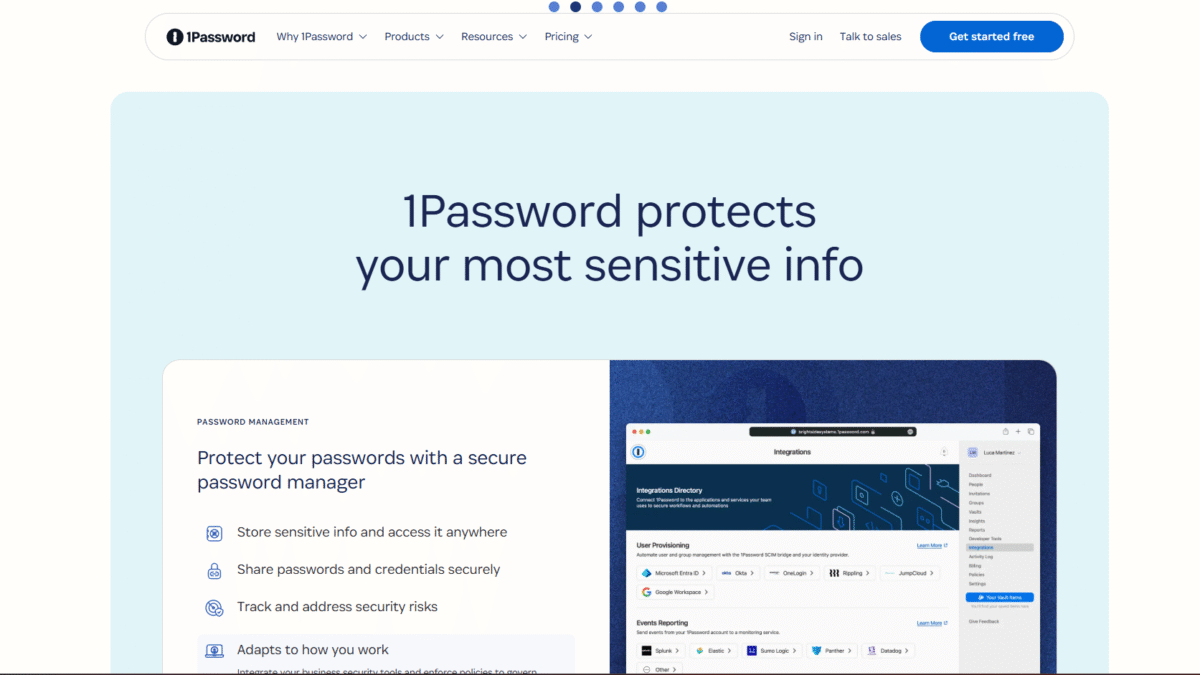

Bargain Deal: 1Password Free 14-Day Trial
Searching for an unbeatable bargain on 1Password? You’re in luck—I’ve uncovered an exclusive chance to Get up to $24 OFF on 1Password Annual Plans, plus a 14-day free trial so you can fully explore its powerhouse features before committing. After scouring official promotions and affiliate deals, I can confirm this offer is the most generous available today.
If you’ve ever felt overwhelmed by password sprawl, worried about reused credentials, or simply want to safeguard your digital life, stick with me. In the following sections, I’ll break down exactly what makes 1Password stand out, walk you through every plan, highlight real user feedback, and point you to helpful resources. By the time you’re done reading, you’ll be ready to click that link and Try 1Password for Free for 14 days Today—all while pocketing up to $24 in savings.
What Is 1Password?
1Password is an end-to-end encrypted password manager and extended access management solution designed to protect your most sensitive data—ranging from simple login credentials to critical business assets. Launched in 2006, it has evolved from a standalone password vault into a full-scale security platform trusted by millions of individuals, families, and enterprises worldwide.
At its core, 1Password’s purpose is twofold: simplify how you create, store, and retrieve passwords, and bolster security hygiene by eliminating risky password practices. Whether you’re juggling dozens of personal accounts—social media, banking, streaming services—or managing hundreds of business apps, 1Password consolidates everything into a single, secure vault. Its zero-knowledge architecture ensures that only you hold the master key; even 1Password’s own servers can’t decrypt your data.
Beyond individual protection, 1Password’s Extended Access Management (XAM) addresses the complexities of hybrid work environments. It extends single sign-on (SSO) across both sanctioned and unsanctioned SaaS apps, enforces device health checks, and provides full visibility into application usage. This makes it a robust choice for organizations seeking to unify security policies across remote teams, contractors, and bring-your-own-device (BYOD) setups.
Features
1Password’s feature set is comprehensive and continues to grow. Below is an in-depth exploration of its key capabilities, each designed to streamline your workflow while reinforcing digital defenses.
Secure Password Storage
Your passwords and sensitive documents deserve a fortified vault—and that’s exactly what 1Password delivers:
- Zero-Knowledge Encryption: All data is encrypted locally before syncing. Only you can decrypt your vault with your Master Password.
- Vault Organization: Create multiple vaults for personal, work, or team use. Each vault can have distinct permissions.
- Item Types: Store not only passwords but also credit cards, secure notes, bank accounts, passports, and software licenses.
- Multi-Factor Authentication (MFA): Add an extra authentication layer to protect your vault against unauthorized access.
Whether you’re a solo user or an IT administrator, structuring your data across vaults ensures clarity and control over who can see what.
Autosave and Autofill
Less typing and fewer copy-pastes make for a smoother browsing experience and fewer opportunities for credential theft:
- One-Click Saving: When you log into a new site, 1Password prompts you to save the credentials with one click.
- Accurate Autofill: Fills usernames, passwords, addresses, and payment details directly into web forms.
- Cross-Platform Support: Works seamlessly on Chrome, Firefox, Safari, Edge, and in native desktop and mobile apps.
- Customizable Shortcuts: Keyboard shortcuts let you invoke autofill without touching the mouse.
Secure Sharing
Collaboration doesn’t have to compromise security. 1Password offers multiple sharing methods:
- Encrypted Links: Send a single item securely via a time-limited, encrypted share link—no account required on the recipient’s end.
- Team Vaults: Invite colleagues or family members into shared vaults with granular, role-based permissions.
- Permission Controls: Assign view-only or edit rights, and revoke access at any time.
- Item History: Track changes to shared items and roll back to previous versions if needed.
Watchtower Security Monitoring
Cyber threats evolve constantly—Watchtower keeps you ahead of the curve:
- Breach Alerts: Notifies you when a site you use has experienced a data breach, prompting a password update.
- Password Analyzer: Highlights weak, reused, or old passwords that need strengthening.
- Vulnerability Scoring: Assigns risk levels to your credentials and encourages proactive remediation.
- Tracking Dashboard: Provides a bird’s-eye view of your overall security posture across all vaults.
Extended Access Management (XAM)
For businesses, securing a scattered SaaS environment can be daunting. 1Password XAM fills that gap:
- SSO Everywhere: Extend single sign-on not only to company-approved apps but also to shadow IT applications employees may be using.
- Device Health Checks: Enforce security policies by verifying antivirus status, OS updates, and device encryption.
- Real-Time Visibility: Understand which apps your workforce is actually using and guide them toward approved alternatives.
- Centralized Policy Engine: Implement consistent access policies across devices, users, and apps from a single console.
Pricing
One of the best parts of this bargain is how accessible 1Password becomes when you Get up to $24 OFF on 1Password Annual Plans. Below is a detailed breakdown of each plan, who it’s for, and what it includes.
- Individual Plan — Designed for solo users who want robust password management. Price: \$3.99/month (billed annually). You get:
- Unlimited password storage and secure document storage.
- Autosave, autofill, and Watchtower monitoring.
- Access on all devices and secure password sharing via one-time links.
- Try FREE for 14 days, plus the chance to save up to \$24 with an annual subscription.
- Families Plan — Ideal for households up to 5 members. Price: \$6.95/month (billed annually). Includes everything in the Individual Plan, plus:
- Invite up to 5 family members to join under one roof.
- Unlimited shared vaults and admin controls.
- Family-friendly features like personalized vault icons and emergency access.
- Teams Starter Pack — Perfect for small businesses or project teams (up to 10 users). Price: \$24.95/month (billed annually). Includes:
- All the Families Plan benefits plus team-wide sharing.
- Role-based permissions and detailed activity logs.
- 1Password Developer tools for secure CI/CD integration.
- Friendly onboarding resources and priority email support.
- Business Plan — For enterprises and organizations requiring advanced security controls. Price: \$9.99/user/month (billed annually). You get:
- Everything in the Teams Starter Pack, plus:
- Integrations with Okta, OneLogin, Entra ID, Duo, and more.
- Custom roles, SCIM provisioning, and advanced reporting.
- Priority 24/7 support and a designated customer success manager.
Ready to save? Activate your free 14-day trial now and grab the discounted annual rate before this deal expires.
Benefits to the User (Value for Money)
Beyond the sticker price, 1Password delivers immense value through tangible—and intangible—benefits:
- Rock-Solid Encryption: Your data is secured with AES-256-GCM, a standard trusted by governments and financial institutions.
- Time Efficiency: Autofill and autosave features can save you up to 5 minutes per login—multiply that by dozens of daily logins, and you reclaim hours.
- Peace of Mind: Watchtower monitoring and breach alerts mean you’re no longer in the dark about compromised accounts.
- Scalability: From a single user to thousands, 1Password’s policy engine and vault structure grow with you.
- Cost Savings: With up to \$24 off annual plans and a 14-day risk-free trial, you minimize upfront spending while leveraging enterprise-grade security.
- Collaboration Efficiency: Teams can share credentials without resorting to insecure channels like email or spreadsheets.
Customer Support
When questions arise or you need assistance, 1Password’s support network has you covered. Their knowledge base is extensive, with articles ranging from “Getting Started” walkthroughs to deep dives on SCIM provisioning and API usage. If self-service doesn’t cut it, you can open a support ticket via email or live chat, where their trained specialists aim to respond within hours.
Enterprise subscribers benefit from priority support and dedicated onboarding help. Whether you need help configuring single sign-on for 500 employees or troubleshooting a mobile app integration, 1Password’s support engineers work alongside your IT team to ensure smooth deployment and minimal downtime.
External Reviews and Ratings
Across review platforms, 1Password holds stellar reputations:
- PCMag: 4.5/5—praised for its intuitive interface and robust security features.
- TechRadar: 5/5—dubbed “the gold standard for password managers.”
- Trustpilot: 4.7/5 from over 2,000 user reviews highlighting reliability and excellent customer support.
On the flip side, some users point out a learning curve for advanced features like vault segmentation and SSO configuration. Others mention the absence of a perpetual (non-subscription) license option. 1Password has addressed these concerns by publishing new step-by-step tutorials and rolling out promotional discounts—like the ability to Get up to $24 OFF on 1Password Annual Plans—to improve accessibility.
Educational Resources and Community
Learning how to make the most of 1Password is straightforward thanks to a wealth of educational materials:
- Official Blog: Frequent posts on security best practices, deep dives into new features, and guest articles from industry experts.
- YouTube Channel: Tutorial videos ranging from beginner setup to advanced team management and developer integrations.
- Community Forum: Active discussions where users share tips, troubleshoot issues, and propose feature requests directly to the 1Password team.
- Webinars & Workshops: Live and recorded sessions that walk through enterprise deployment, Watchtower optimization, and policy enforcement strategies.
- Developer Docs: Detailed API documentation for building custom scripts, browser extensions, or integrating 1Password into CI/CD pipelines.
Conclusion
All things considered, 1Password stands out as a comprehensive, secure, and user-friendly solution for managing passwords and safeguarding digital assets. From powerful encryption and Watchtower alerts to seamless sharing and enterprise-grade access management, it caters to every scenario—personal or professional.
Now is the perfect time to take action. This exclusive opportunity allows you to Try 1Password for Free for 14 days Today and Get up to $24 OFF on 1Password Annual Plans. Don’t settle for outdated password habits—lock in this bargain and elevate your security before someone else does.
