

Boost Client Satisfaction Survey Response Rates
Gathering honest feedback through a client satisfaction survey is vital—but low response rates can leave you in the dark. When customers skip your questionnaires, you miss insights into friction points, recurring issues, and opportunities to turn happy clients into loyal advocates. Thankfully, with Help Scout’s centralized inbox and in-app messaging, you can nudge customers at the perfect moment and boost your survey submissions.
Why Response Rates Matter
A client satisfaction survey isn’t just a checkbox exercise. High participation means you:
- Validate product improvements directly with users
- Surface pain points before they turn into complaints
- Identify your most enthusiastic promoters
- Benchmark performance over time
With clear data in hand, you can prioritize the fixes and features that truly move the needle.
Common Challenges in Survey Collection
Before diving into solutions, let’s pinpoint why customers skip surveys:
- Timing: Generic post-purchase emails get buried in busy inboxes.
- Relevance: One-size-fits-all surveys feel impersonal.
- Length: Too many questions lead to survey fatigue.
- Lack of Incentive: No clear benefit for the respondent.
How Help Scout Supercharges Your Client Satisfaction Survey
Help Scout combines email support, live chat, and in-app messages into a single workspace—so you can reach customers when they’re most engaged. Here’s how:
1. In-App Messaging & Nudges
Embed targeted survey prompts directly within your product:
- Trigger after a key milestone (e.g., first successful use of a feature)
- Display short, focused questions instead of a long form
- Use banners or modals to draw attention without interrupting workflows
2. Automated Follow-Ups
Set up simple workflows to:
- Resend survey invites to non-responders after 48 hours
- Flag high-value clients for a personal outreach if they don’t reply
3. Personalized Email Campaigns
Leverage customer properties to tailor subject lines and question content:
- “How did our onboarding process go for you, {{first_name}}?”
- Segment by usage frequency to adjust survey length and focus
Best Practices for Survey Design
- Keep it brief: 3–5 essential questions only.
- Mix question types: Star ratings, multiple choice, and one open-ended comment.
- Offer context: Explain why their input matters and how you’ll act on it.
- Express gratitude: Thank respondents immediately with a follow-up email or discount code.
Tracking & Reporting in Help Scout
Once surveys roll out, Help Scout’s reporting dashboard makes it easy to:
- Visualize response trends across channels
- Break down satisfaction by team or region
- Drill into comments for qualitative insights
With real-time analytics, you can spot dips in satisfaction and adjust your approach on the fly.
Real Results & ROI
Companies using Help Scout to power their client satisfaction surveys have reported:
- Up to a 45% increase in response rates
- Faster issue resolution thanks to immediate feedback
- A 20% uplift in Net Promoter Score within three months
Getting Started Is Easy
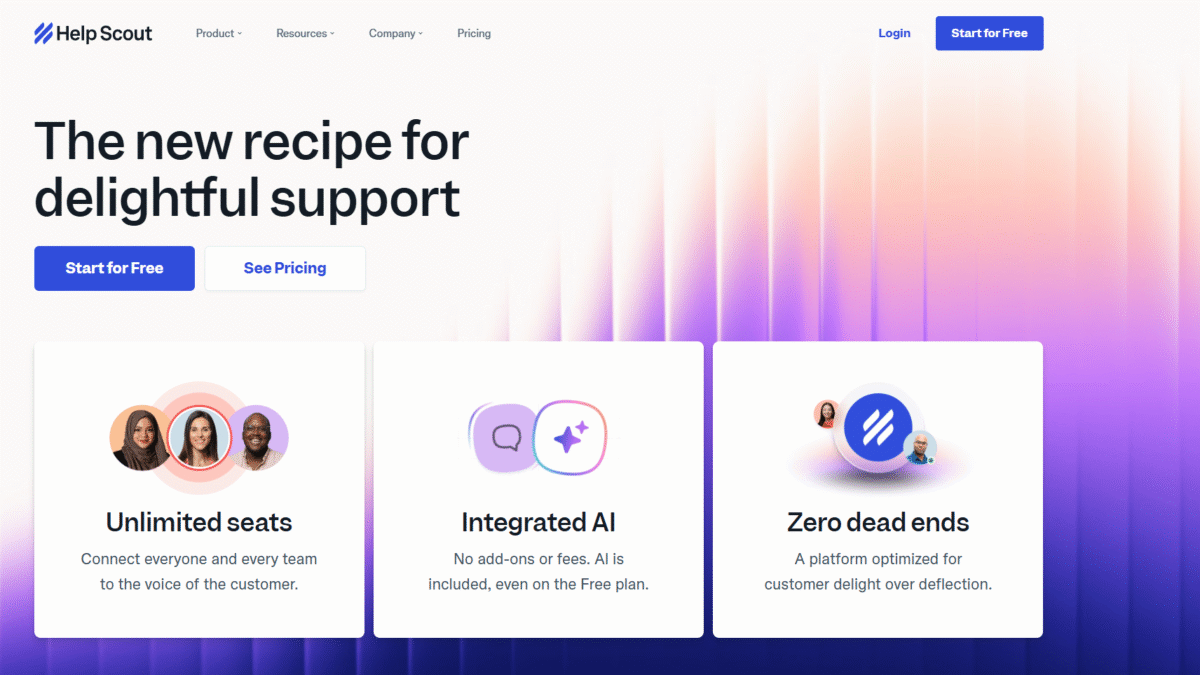
Ready to transform your feedback strategy? Get Started with Help Scout for Free Today and unlock unlimited seats, AI-powered drafts, and in-app messaging to accelerate your survey responses.
Don’t let low participation slow down your growth. Empower your team with Help Scout’s people-first support platform and watch your client satisfaction survey response rates soar. Get Started with Help Scout for Free Today
