

Build a Python Script to Automate Online Business Sales
Leveraging python to streamline online business sales can save you hours of manual work every week. In this tutorial, you’ll learn how to build a simple python script that automates listing, updating, and monitoring your digital assets on Flippa. Ready to get started? Buy or Sell your Online Business on Flippa Today(with 25% OFF Listing Fee and 50% OFF Success Fee) and watch your listings go live in seconds.
Why Automate Sales with python?
Manually creating and managing listings for websites, apps, or domains can be repetitive and error-prone. With a python script you can:
- Batch-upload new listings with a single command.
- Fetch real-time performance data and update prices automatically.
- Receive instant notifications when offers arrive.
By automating these tasks, you free yourself to focus on deal strategy and negotiation instead of copy-and-paste chores.
Overview of the Flippa Marketplace
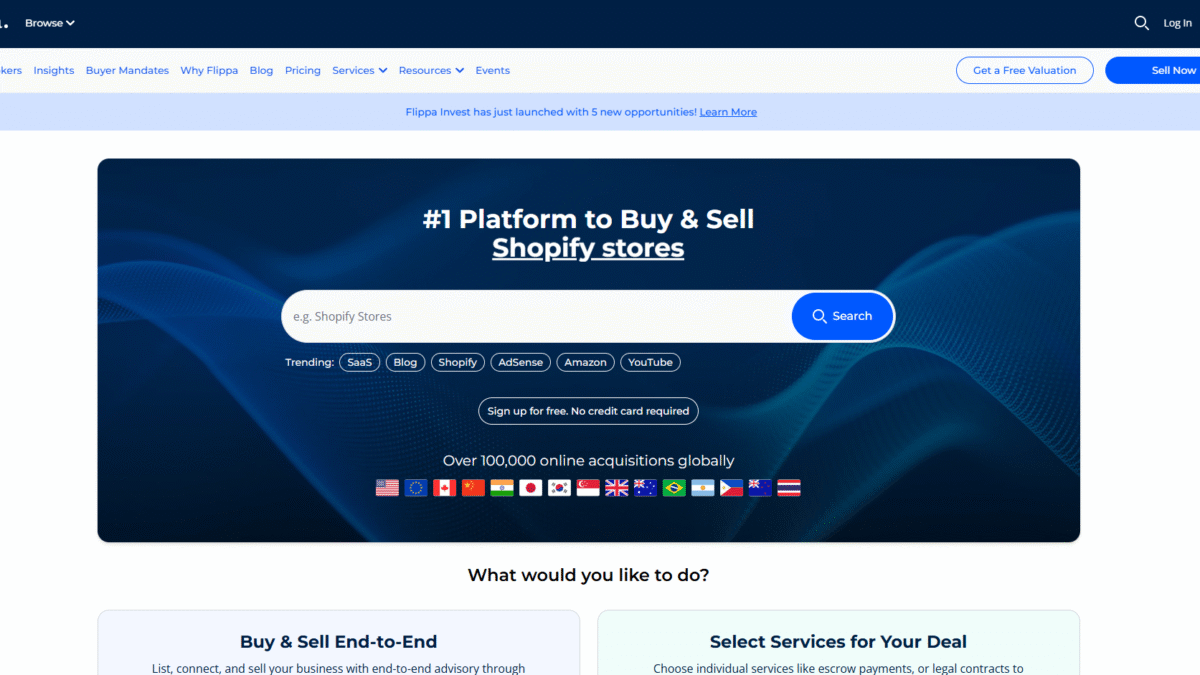
Flippa is the world’s largest private marketplace for buying and selling online businesses, websites, apps, and domains. Access to over 600,000 buyers & investors means your asset gets unmatched exposure. Core features you’ll tap into via automation include:
- AI Buyer Matching – 425,000 matches weekly.
- Integrated Escrow & Payments – choose Escrow.com or Flippa Pay.
- Dynamic Deal Rooms – manage discussions, attachments, and offers.
- Benchmarking Insights – live data on comparable sales and multiples.
Setting Up Your python Environment
Before coding, ensure you have:
- Python 3.8+ installed.
- pip for package management.
- A virtual environment (optional but recommended).
Required Libraries
- requests – for HTTP calls.
- pandas – for data manipulation.
- schedule or APScheduler – for task scheduling.
Step-by-Step: Building the Automation Script
1. Authentication
Obtain your API key from Flippa and store it securely. Here’s a sample snippet:
import os
API_KEY = os.getenv('FLIPPA_API_KEY')
headers = {'Authorization': f'Bearer {API_KEY}'}
2. Listing a New Asset
Use a JSON payload to define your listing details and POST to Flippa’s endpoint:
import requests

listing = {
  "title": "My Profitable Niche Blog",
  "price": 15000,
  "description": "Monthly revenue: $1,200, traffic: 30k/month",
  "category": "website"
}

response = requests.post(
  "https://api.flippa.com/v1/listings",
  json=listing,
  headers=headers
)
print(response.json())
3. Updating Performance Data
Schedule a daily job that fetches analytics and updates the listing price or highlights recent growth.
4. Monitoring Offers
Poll the offers endpoint every hour and send yourself an email or Slack message when a new bid arrives.
Integrating Flippa’s Advanced Services
Beyond basic listings, your script can also:
- Trigger escrow release upon closing.
- Generate legal documents via Dropbox Sign integration.
- Fetch intelligent valuation reports for dynamic pricing.
Testing, Scheduling & Deployment
Once your script works locally, deploy it on a cloud VM or serverless function. Use cron or a scheduler library to run tasks at your desired intervals. Monitor logs to handle errors gracefully.
Benefits of Combining python Automation with Flippa
- Time Savings: Automate repetitive tasks and focus on growth strategy.
- Increased Accuracy: Eliminate human errors in listings.
- Faster Market Response: Update prices and respond to offers instantly.
- End-to-End Management: Leverage escrow, legal services, and valuation tools automatically.
Conclusion
Building a python script to handle your online business sales on Flippa transforms a manual, time-intensive process into a streamlined, reliable workflow. Whether you’re listing your first domain or managing dozens of websites, automation ensures you never miss an opportunity. Ready to supercharge your sales? Buy or Sell your Online Business on Flippa Today(with 25% OFF Listing Fee and 50% OFF Success Fee).
Buy or Sell your Online Business on Flippa Today(with 25% OFF Listing Fee and 50% OFF Success Fee)
