

Dark Web Dangers: 5 Steps to Secure Your Data
Ever wondered if your personal data lurks on the dark web? It’s a hidden corner of the internet where stolen credentials, financial records, and private messages trade hands in the shadows. Thankfully, you don’t have to be a cybersecurity expert to take control of your digital life. Below are 5 steps that will help you lock down your data and stay one step ahead of cybercriminals.
Step 1: Scan for Breached Credentials
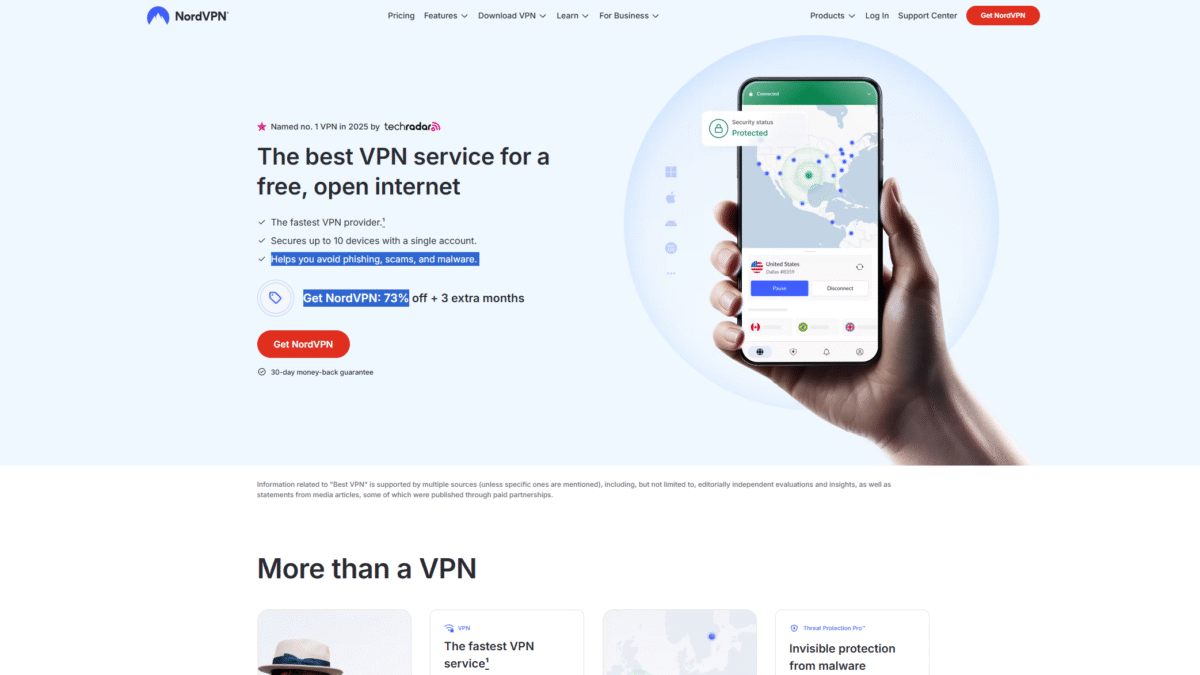
Before anything else, you need to know if your email addresses or passwords have leaked on the dark web. Dark web monitoring services continuously scan underground forums and marketplaces for compromised data. One standout tool, NordVPN’s Dark Web Monitor, instantly alerts you whenever your credentials appear in a breach. Get 73% OFF + 3 extra months on NordVPN Today and know the moment your accounts show up where they shouldn’t.
Step 2: Encrypt Your Connection with a VPN
Tracking data in transit is another tactic used by hackers snooping on unsecured networks. A VPN encrypts your internet traffic, making it virtually impossible for anyone on the same Wi-Fi network to capture your sensitive information. NordVPN protects up to 10 devices simultaneously, so whether you’re on public Wi-Fi at a café or traveling abroad, your connection remains secure and private.
Step 3: Keep Your Software and Devices Updated
Outdated software introduces vulnerabilities that cybercriminals exploit to gain access to your system. From operating systems to web browsers and plugins, always enable automatic updates. These patches often fix security holes before hackers can weaponize them.
Step 4: Use Unique, Strong Passwords and a Password Manager
Reusing passwords across multiple sites is a recipe for disaster. If a single password leaks, every account that uses it becomes vulnerable. Create long, random passwords and store them in a secure password manager. NordVPN’s built-in password manager generates, autofills, and encrypts your credentials—so you never have to memorize or reuse them.
Step 5: Enable Multi-Factor Authentication (MFA)
Multi-factor authentication adds a second layer of security by requiring a one-time code or biometric confirmation in addition to your password. Even if a criminal gets hold of your login details, they still can’t get in without that extra verification step.
Wrapping Up Your Dark Web Defense
Securing your data against dark web threats doesn’t have to be complicated. By monitoring breaches, encrypting your connection with NordVPN, updating software, using a password manager, and enabling MFA, you drastically reduce your risk of falling victim to cybercrime. Take control of your online safety today—Get 73% OFF + 3 extra months on NordVPN Today and ensure your digital life stays private and protected.
