

How to Create a Product Demo That Converts Using AI
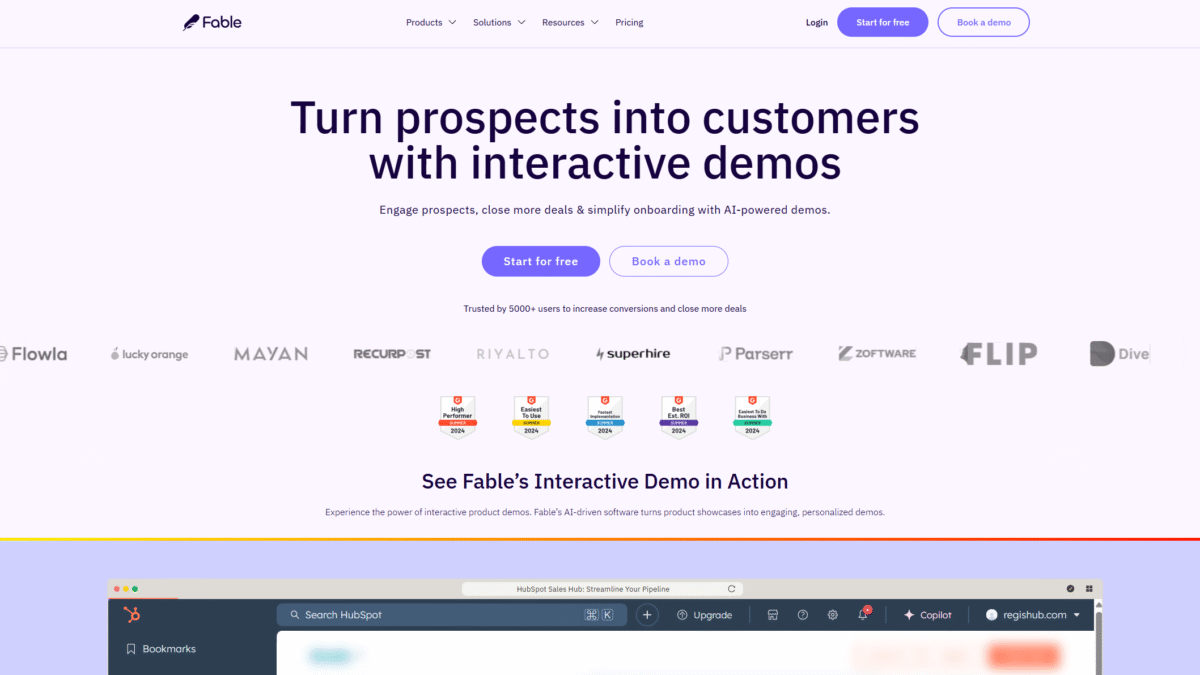
Are you ready to create a product demo that captures attention, showcases value, and converts prospects into customers? With Fable’s AI-powered interactive demo software, you can quickly capture your product’s best features, personalize each experience, and share it anywhere—all without writing a single line of code.
Why Every Team Needs to Create a Product Demo
In today’s competitive market, simply describing your offering isn’t enough. Buyers want to see—it’s why interactive demos outperform static presentations. When you create a product demo that feels like a hands-on experience, you:
- Engage prospects with real product interactions.
- Educate buyers on key features and benefits.
- Differentiate your solution from competitors.
- Accelerate the decision-making process.
That’s exactly where Fable shines.
Capture Your Product’s Best Features
Step one in any strategy to create a product demo is capturing authentic user flows. Fable’s browser extension records every click, animation, and pop-up so you never lose vital context. There’s no heavy scripting or manual screenshots—just a true representation of your interface.
- Record complex workflows in seconds.
- Maintain fluid animations for a seamless feel.
- Automatically stitch together multi-step processes.
Personalize the Demo Experience with AI
Once you’ve captured your core demo, it’s time to tailor it. Fable’s AI engine lets you customize messaging, branding, and narrative tone for each audience segment. Whether you’re pitching marketing teams, finance directors, or IT admins, you can build versions that speak directly to their priorities.
- Auto-generate onboarding scripts and descriptions.
- Apply brand colors, logos, and fonts in one click.
- Swap out terminology to match industry jargon.
Share, Track, and Optimize
A demo that sits idle won’t drive conversions. With Fable, you can embed interactive demos on landing pages, include them in email campaigns, or share direct links over chat. Track exactly where viewers engage, pause, or drop off so you can refine every step of your demo funnel.
- Embed via iframe or link—no developer help required.
- Real-time analytics on view counts, hotspots, and time spent.
- Iterate quickly based on user behavior data.
Key Features of Fable’s Interactive Demo Platform
AI Demo Copilot
The AI Demo Copilot guides you through demo creation, suggesting highlights, call-outs, and even voice-over scripts. It adapts to your product style and audience needs so you can focus on high-level storytelling.
Advanced Demo Analytics
Dive deep into how viewers interact with your demo. Identify drop-off points, most-viewed modules, and user journeys to continuously fine-tune your content and optimize conversion rates.
AI Voiceovers
Add professional voice narration in multiple languages without hiring a studio. Simply type your script and let Fable’s AI generate a natural-sounding voiceover.
Custom Lead Forms
Capture qualified leads directly within the demo experience. Insert forms at key moments to gather contact info, segment interest, and drive higher engagement.
How to Create a Product Demo That Converts: Step-by-Step
- Plan Your Story
Outline the core problems your product solves and map out the demo flow accordingly. - Record in Fable
Use the browser extension to capture key screens, workflows, and interactions. - Enhance with AI
Leverage Fable’s AI tools to add narration, highlight features, and apply branding. - Embed and Share
Publish your demo link or embed code to landing pages, emails, and social media. - Analyze and Iterate
Monitor user engagement metrics and update your demo to address drop-off points.
Pricing Plans to Suit Every Team
Solo – Free
Perfect for individual creators who want to test the waters. Publish one demo, track basic analytics, and share unlimited views.
Startup – $50 /creator/month
Scale your demo library with AI co-pilot, multi-flow modules, and CTA buttons.
Business – $125 /creator/month
Unlock advanced branching, HTML editor, custom lead forms, deep analytics, and native integrations with HubSpot, Marketo, and more.
Enterprise – Custom Pricing
Get dedicated support, demo strategy coaching, SSO, custom APIs, and multi-team management for large organizations.
Best Practices to Create a Product Demo That Converts
- Keep It Concise – Aim for 3–5 minutes to respect viewers’ time.
- Focus on Outcomes – Show real-world use cases, not just features.
- Highlight Key Metrics – Use overlays to quantify benefits (e.g., “Save 30% time”).
- Include Clear CTAs – Direct viewers to next steps: sign up, request a call, or start a trial.
Real-World Success Stories
Companies using Fable have reported 40% higher demo engagement and a 25% boost in deal close rates. Marketing teams love the ease of branding each demo, while sales reps value the ability to address prospect objections in real time.
Conclusion
If you want to create a product demo that converts, Fable offers everything you need—from hassle-free capture and AI personalization to deep analytics and seamless sharing. Ready to transform your demo strategy? Get Started with Fable for Free Today and see how easy it is to drive engagement and close more deals.
