
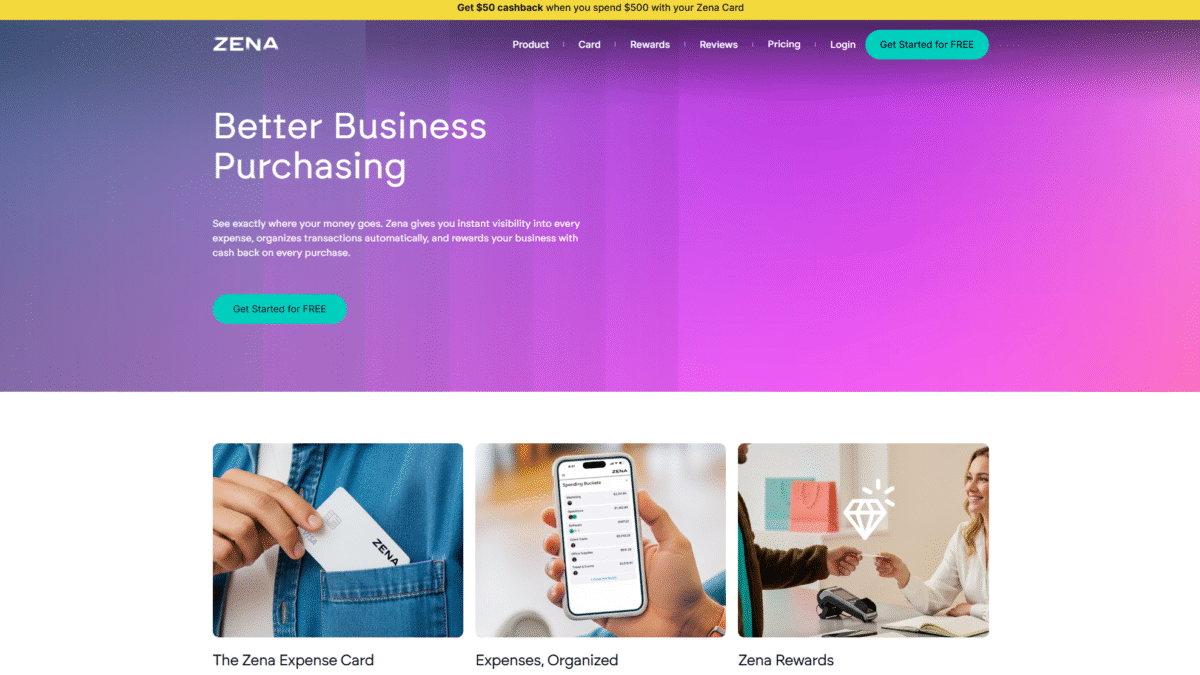

Track Project Expenses Automatically and Cut Waste
Managing project expenses across multiple clients, teams, and timelines often means endless spreadsheets, missing receipts, and budget overruns. Without clear visibility, it’s all too easy to let costs spiral out of control. If you’re tired of chasing down every transaction and manually assigning it to the right job, there’s a smarter way: the Zena business card that tracks expenses by project automatically. Try Zena Free for 14 Days Today and see how effortless expense management can be.
Common Pitfalls in Project Expense Management
When you rely on generic credit cards or manual entry tools, you face:
- All expenses lumped together with no project breakdown
- Time-consuming categorization and matching of receipts
- Difficulty forecasting cash flow and cutting waste
- Limited control over team spending per project
- Refunds that never align back to the right job
These challenges don’t just cost hours—they erode profit margins and client trust.
Why Automating Project Expenses Matters
When every dollar is automatically tagged to the correct initiative:
- Real-time budget tracking: Spot overspending instantly.
- Clear profitability insights: Compare estimated vs. actual costs.
- Reduced manual work: Free your team to focus on delivering value, not reconciling receipts.
- Adaptable spending controls: Set per-project or per-user limits that adjust with cash flow.
How Zena Automates Your Project Expenses
Zena’s built-in AI tools and smart business card turn chaos into clarity. With one simple card per team member, every purchase is instantly tied to the project you choose. No extra steps, no guesswork.
Try Zena Free for 14 Days Today and experience seamless expense automation firsthand.
Track Every Purchase by Project
When a team member makes a purchase, Zena’s system automatically assigns that transaction to the right project. You can:
- Create unlimited spending buckets for each job
- Review project expenses in a single dashboard
- Reassign or split transactions with a click
AI-Powered Budget Monitoring
Zena’s AI categorizes every expense and alerts you to potential overruns. It learns from your spending patterns and suggests ways to cut waste before budgets blow out.
Instant Profitability Insights
Link expenses directly to project milestones and revenue streams. With up-to-the-minute cost vs. revenue comparisons, you’ll know exactly which jobs are profitable and which need attention.
Additional Features That Empower Teams
- Bank‐funded cards: Load budgets directly from your account without delays.
- Import any card transactions: Keep legacy cards connected.
- SMS receipts: Snap or text receipts for seamless record-keeping.
- Monthly statements & exports: Download comprehensive reports or push data into your favorite accounting tool.
- Custom spend limits: Enforce per-card and per-project caps to keep teams aligned.
Getting Started with Zena
- Sign up and link your bank for instant funding.
- Create project buckets and assign budgets.
- Issue virtual or physical cards to your team.
- Let Zena’s AI handle the rest—review insights and adjust spend as needed.
In minutes, you’ll transform manual reconciliation into effortless automation and never lose sight of your project expenses again.
Take Control of Your Project Expenses Today
Stop letting disorganized spending drag down your profitability. With Zena, every purchase is tracked, categorized, and tied to its project—automatically reducing waste and saving you hours of admin work. Ready to streamline your expense management? Try Zena Free for 14 Days Today and watch your project budgets stay on track.
